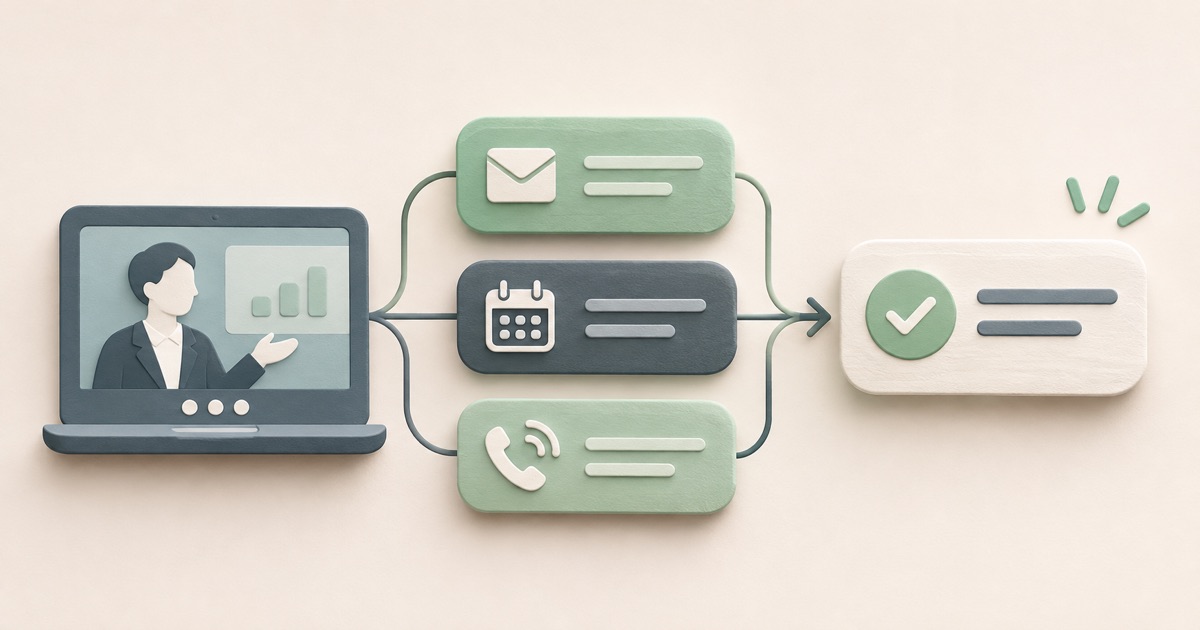
A useful B2B webinar lets buyers watch you make a decision they face at work. Pick one question, demonstrate your reasoning with a small example, and give participants a way to repeat the exercise. Then rehearse the audience experience and prepare the follow-up before opening registration.
This checklist is for consulting and professional services firms. The worked example uses a fictional CRM consultancy. The 45-minute schedule is a starting point you can adapt.
Pick a decision people can make after the webinar
Suppose a head of sales has two reports for the same date. Both are labeled “open pipeline.” One shows $120,000 and the other $90,000. A CRM consultancy could invite that person to a session called Why your pipeline reports disagree and how to reconcile them. The outcome is a rule the sales team can write down and check against an export.
Write the invitation around the situation, the audience and the exercise. For example, “For sales and revenue operations leads who review pipeline every week. We’ll reconcile two reports using four example deals. Bring a question about your own reporting definitions.” State the time zone, duration and what you plan to share afterward.
Ask one question at registration if it will change the session. For this example, “Which two reports disagree?” is enough. Let people answer without sending deal names or customer data. Use the answers to choose the questions you’ll cover, and tell registrants where to find the joining details.
Rehearse the demonstration with the actual inputs
Prepare two reports from the same fictional snapshot. Each uses the same date, currency and deal amounts. Report A includes all four rows below. Report B includes only deals open at the snapshot date.
| Deal | Status at the snapshot | Amount |
|---|---|---|
| Oak | Open | $40,000 |
| Birch | Open | $35,000 |
| Cedar | Open | $15,000 |
| Maple | Closed won | $30,000 |
Scroll horizontally to read all columns if needed.
Show the $30,000 difference. Compare the definitions, filter out the won deal and calculate the $90,000 open total. Leave the audience with one rule to copy. “At the weekly snapshot, add the unweighted amounts of deals whose status at that time is open.” Record the snapshot time and the owner of the definition so the team can repeat the calculation. The result in this example is a pipeline total, separate from a revenue forecast.
Have a second person join the rehearsal using the attendee link. Check that they can hear the presenter, read the numbers and submit a question. Let them run the calculation with the shared table. Fix any step they have to guess. Put screenshots of the starting reports, the filtered rows and the result in a short document. Test its link using attendee permissions. In rehearsal, turn off screen sharing and have the moderator post the link in the chat while the expert walks through the same steps aloud. The University of Minnesota’s checklist is a reference for assigning roles, rehearsing audio and sharing, and preparing Q&A in Zoom. University of Minnesota pre-webinar checklist
Run the session with one person on content and one on logistics
The expert explains the decision and answers substantive questions. The moderator tests the attendee link, watches time, handles access issues and keeps a list of questions. Agree in rehearsal who will share the screenshots or switch speakers if needed.
| Time | Segment | What the audience gets |
|---|---|---|
| 0–5 min | Present the two totals and ask which rule people use | A clear question to follow |
| 5–15 min | Compare the report definitions and snapshot dates | A way to locate differences |
| 15–27 min | Filter the four deals and recalculate the open pipeline | A repeatable worked example |
| 27–40 min | Take questions, including cases where the method needs more information | Help applying the rule |
| 40–45 min | Recap the steps and explain how to get the worked example and the replay, if planned | A way to practice and a clear next step |
Scroll horizontally to read all columns if needed.
Test the fallback as part of rehearsal. The moderator should be able to open the example and continue the exercise if the expert drops off. If you plan to publish a replay, tell participants beforehand and check the recording and access settings before sharing it.
Plan follow-up around participants’ questions
Prepare a brief recap with the four rows and the calculation. Give registrants who missed the session a way to go straight to the example. For someone who asked a question, reply with the relevant rule or a question that would help clarify it, when you can contact them appropriately. If someone explicitly requests a review of their reports, confirm what they want to compare and who should attend. A question about a formula can be answered without scheduling a call.
Sarah Jordan Usher describes a related handoff at Mastercam. The webinar organizer shares attendee information, questions and audience segments with the revenue team. Usher also says their ability to track the webinar through to closed sales was incomplete while they implemented Salesforce. Both points matter when deciding what to include in a recap. Cvent interview and transcript
Check that the session is ready to announce
- Invitation. A reader can identify the situation, intended audience, exercise, timing and promised material.
- Demo. A colleague can reproduce the calculation from the same inputs and explain the rule.
- Roles. The expert and moderator know when to speak, who collects questions and who can run the backup.
- Access. An attendee test covers joining, sound, readable content and asking a question.
- Follow-up. Someone owns the recap, unanswered questions and requested conversations. Check the replay before release if you plan to share it.
After the session, record registrations, live attendance, explicit requests for a conversation and conversations that actually took place. Use a consistent event and person definition when deduplicating. Record replay use separately when you can observe it. A commercial opportunity belongs in a separate count once the sales owner confirms it. Look at what participants asked to decide what to change in the next session.
If you need a standalone worksheet, start with the guide to B2B lead magnets. If the challenge is organizing and distributing the event, Kmino’s Autorité service includes a webinar presented by your team with support from ours. The offer page is in French. Kmino offers